Save an idea
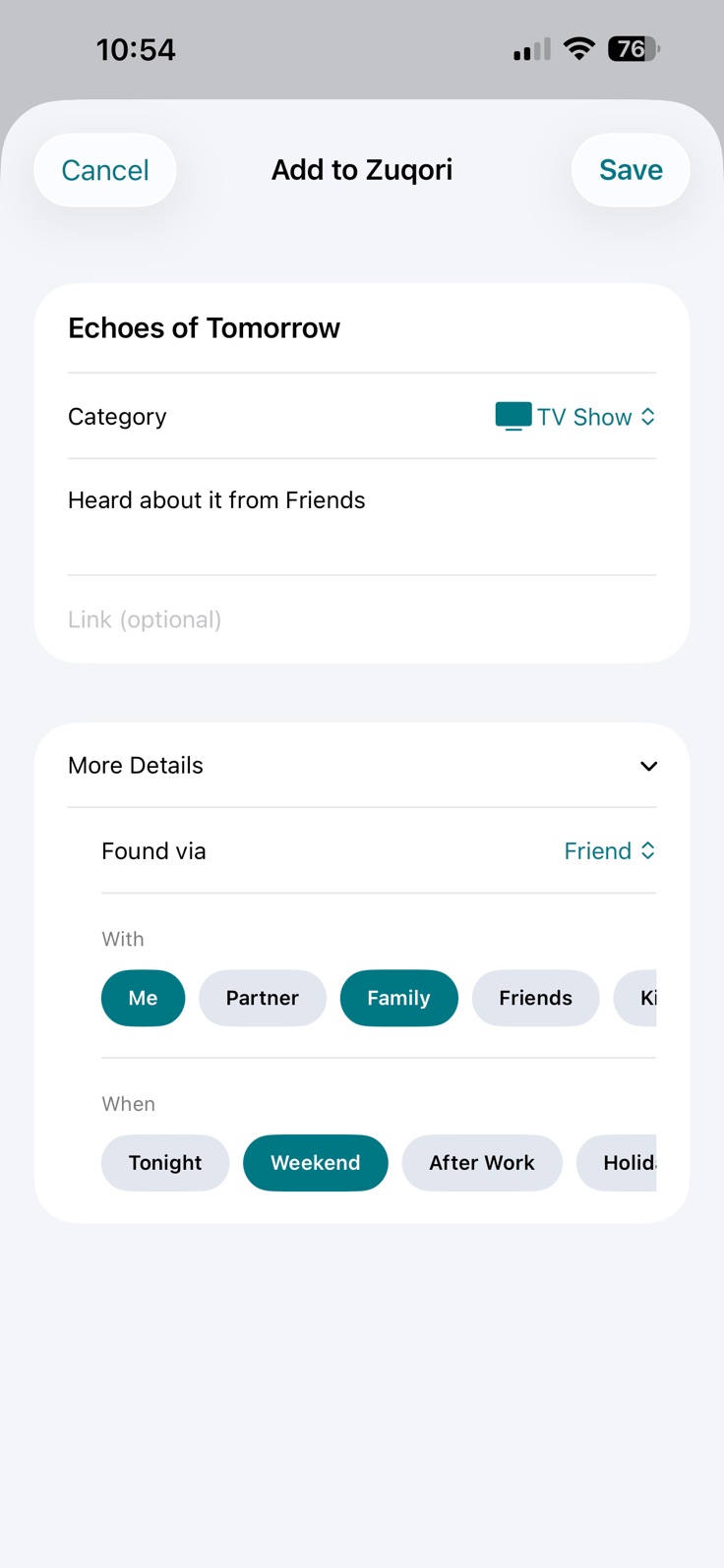
Save the name of something you want to try in your list. Choose a category and optionally add a personal note, link, source, and With or When context.

Private · Offline · iPhone
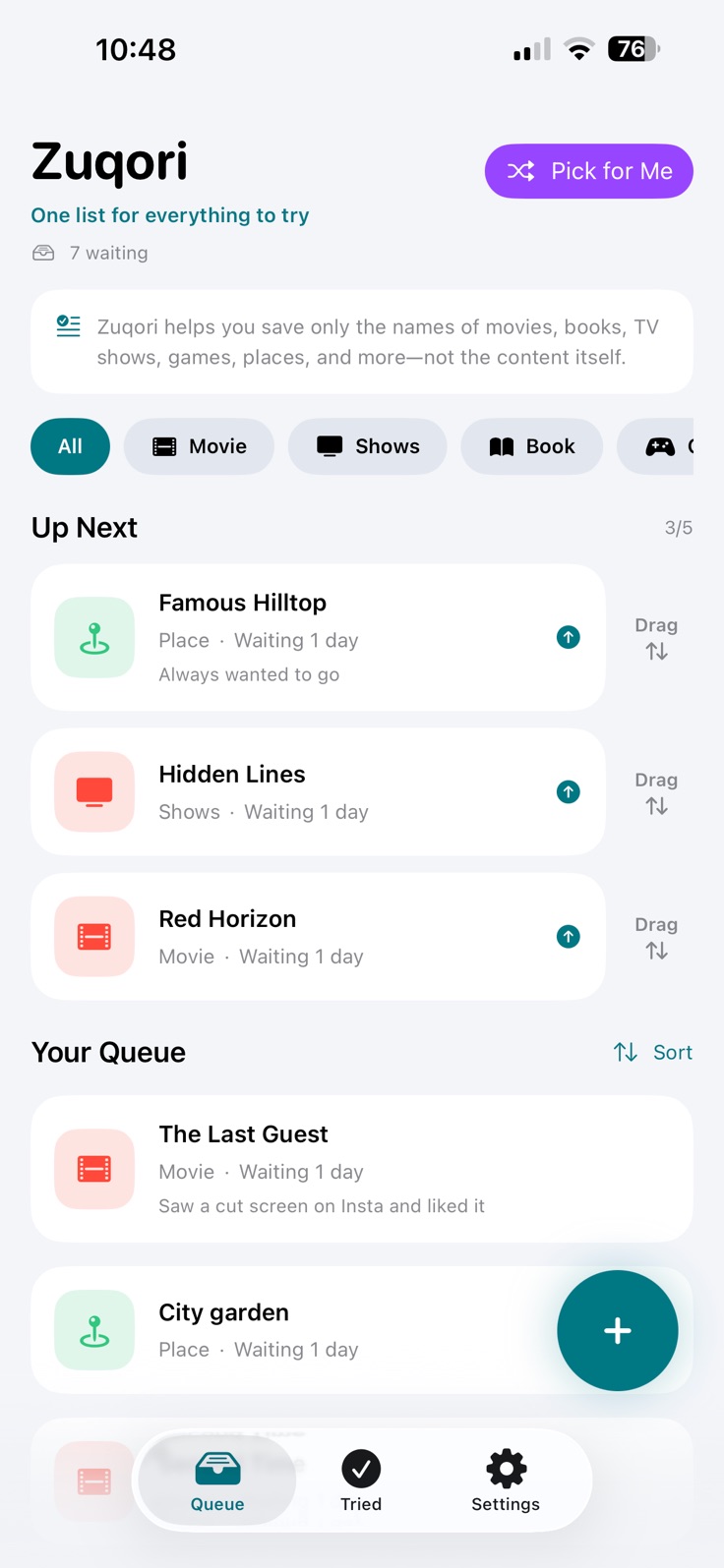
One list for everything to try. Save names of movies, TV shows, books, games, restaurants, places, activities, and more in one private list.
See Zuqori in action
These are the current screenshots published on Zuqori’s official App Store listing.
Everything you want to try
Save the name of something you want to try in your list. Choose a category and optionally add a personal note, link, source, and With or When context.
Search, filter by category, sort by Recently Added, Oldest, or A–Z, and manage a focused Up Next shortlist.
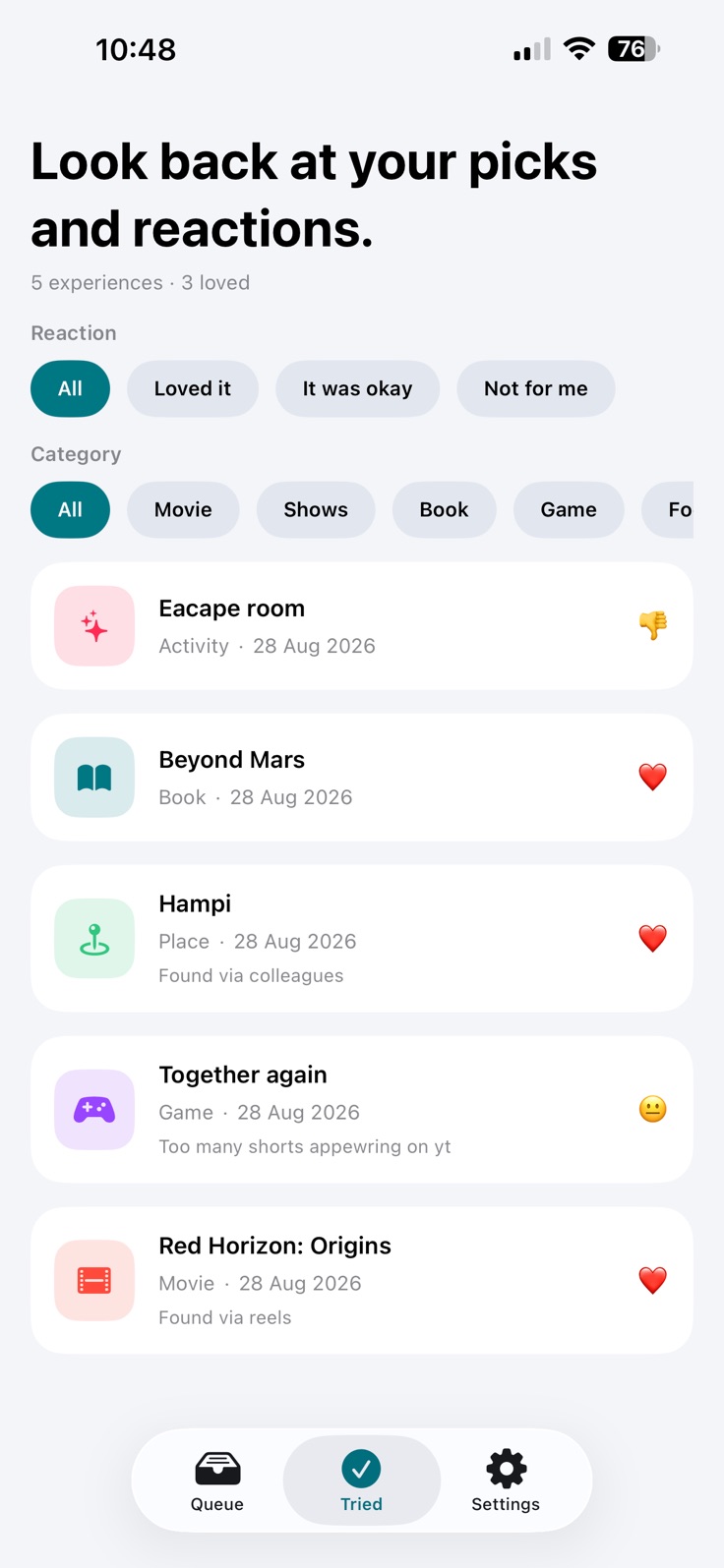
After marking an item as Tried, optionally select a private reaction, add a personal review note, or do both. You can also return it to your Queue.
Useful beyond a list
Keep the names you save together in one list, organized as Movie, TV Show, Book, Game, Restaurant / Food, Place, Activity, or Other.
Search across saved information, apply category filters, and sort by Recently Added, Oldest, or A–Z.
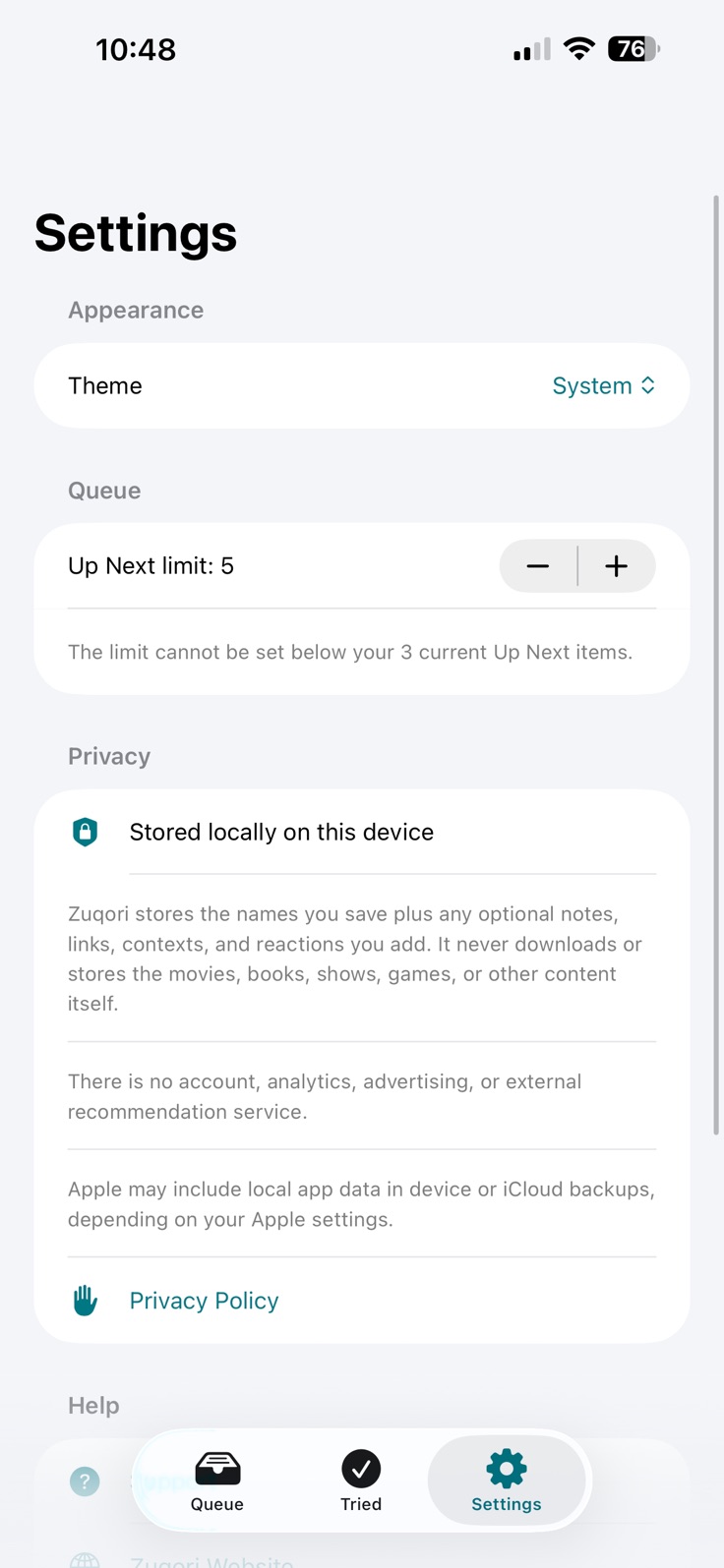
Maintain and visibly reorder a shortlist with a configurable limit from one to ten items.
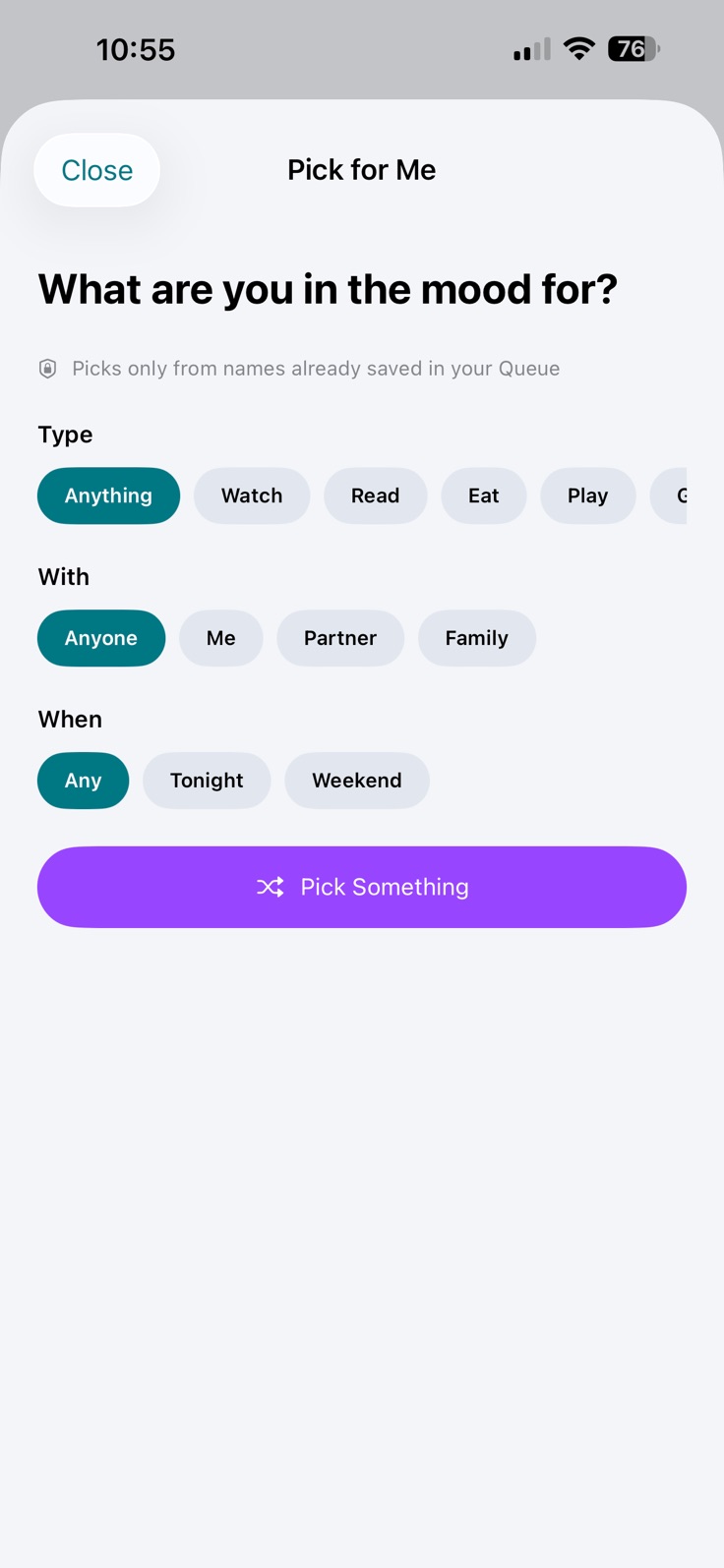
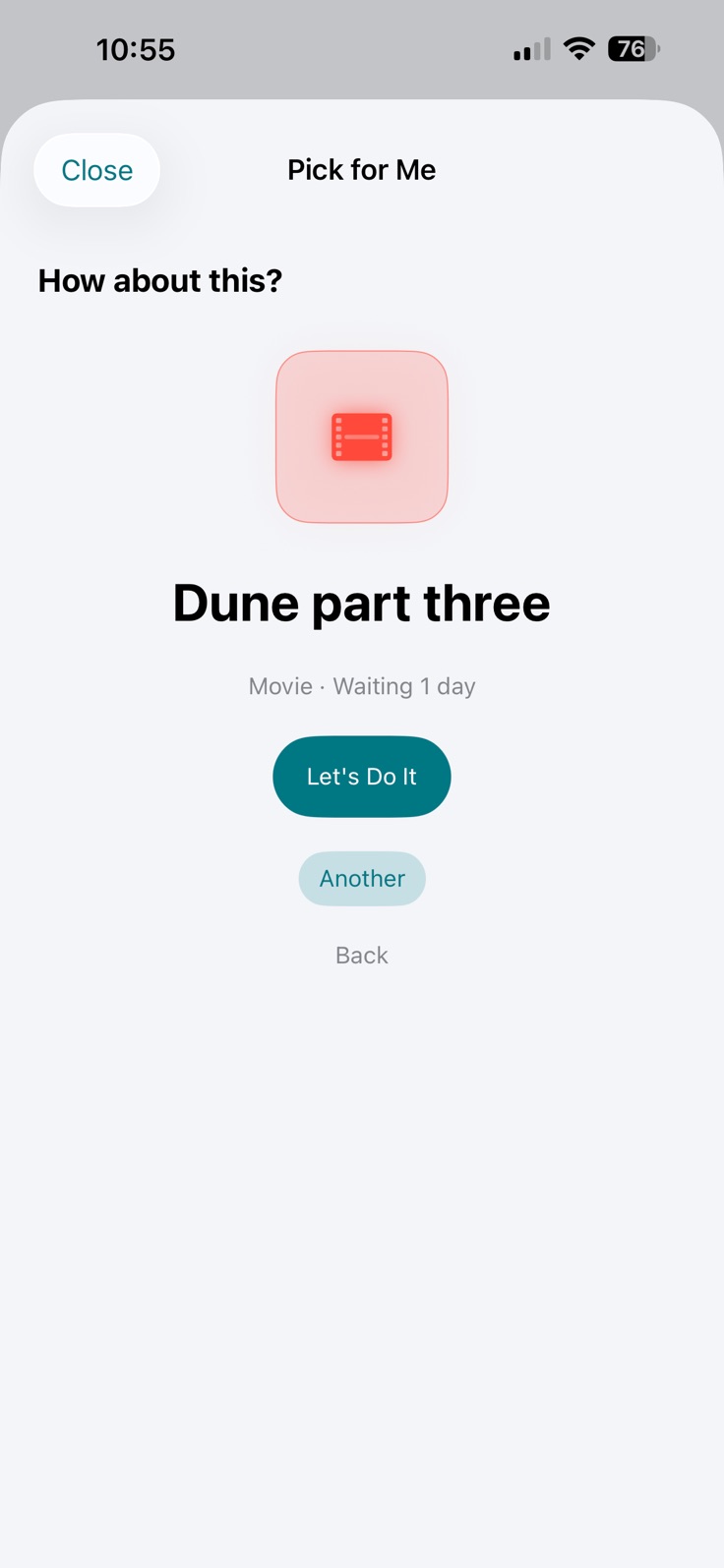
Make a local, non-AI random selection from names already saved in your Queue. Exact filters apply, and items already Tried or in Up Next are excluded. No external recommendation service is contacted.
Reactions and personal review notes are optional and independent. A note saved without a reaction remains visible in the item’s details.
Receive an on-device warning for matching normalized links, identical normalized titles, or narrowly matched similar longer titles. View the existing item or continue intentionally; no external database or API is used.
System is the default appearance, with Light and Dark also available. Your selection applies to both the splash screen and the main app interface.
Available for iPhone with iOS 17 or later.